A club membership is based on the customer's vehicle, and therefore the customer record does not need to be terminated to terminate the club. When terminating a club membership, only the customer's vehicle status needs to be set to terminated. This leaves the customer in an active status and eligible for promotions such as bonus points or punch cards, if promotions are offered and all criteria is met.
NOTE: For security purposes, WashConnect® does not store credit card data but stores a credit card recurring ID that the credit card processor like TransFirst® or APAY® uses to access the credit card data.
If a customer has been fully set up as club member, and would like to terminate the club membership, follow these steps:
- On the Customers menu, select Manage Customers.
- Search for the club member.
- Click to select the active member.
- Click the Edit Vehicle button.

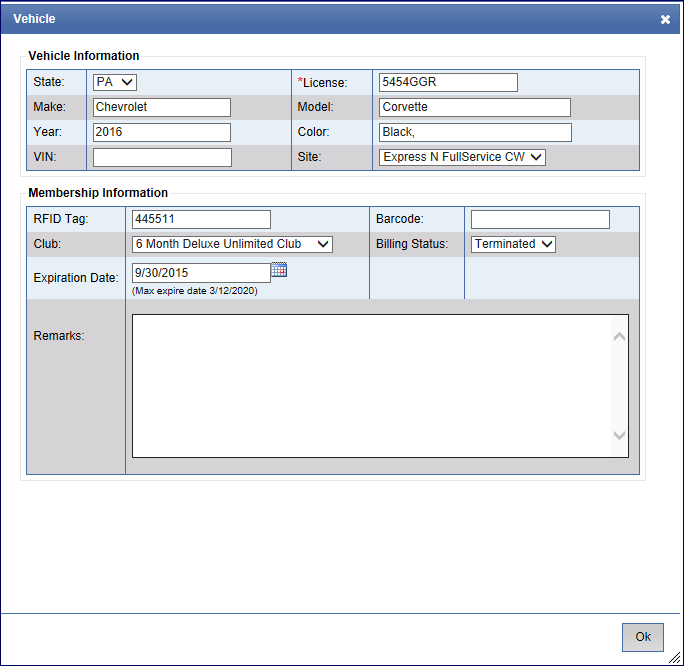
- In the Billing Status box, select Terminated.
- Click OK.
- If you receive the "Vehicle saved successfully" message, click OK.